Step-by-Step Guide to Accessing and Calculating Sales Commission on the Dashboard
7 mins read · Updated 29 Sep, 2025
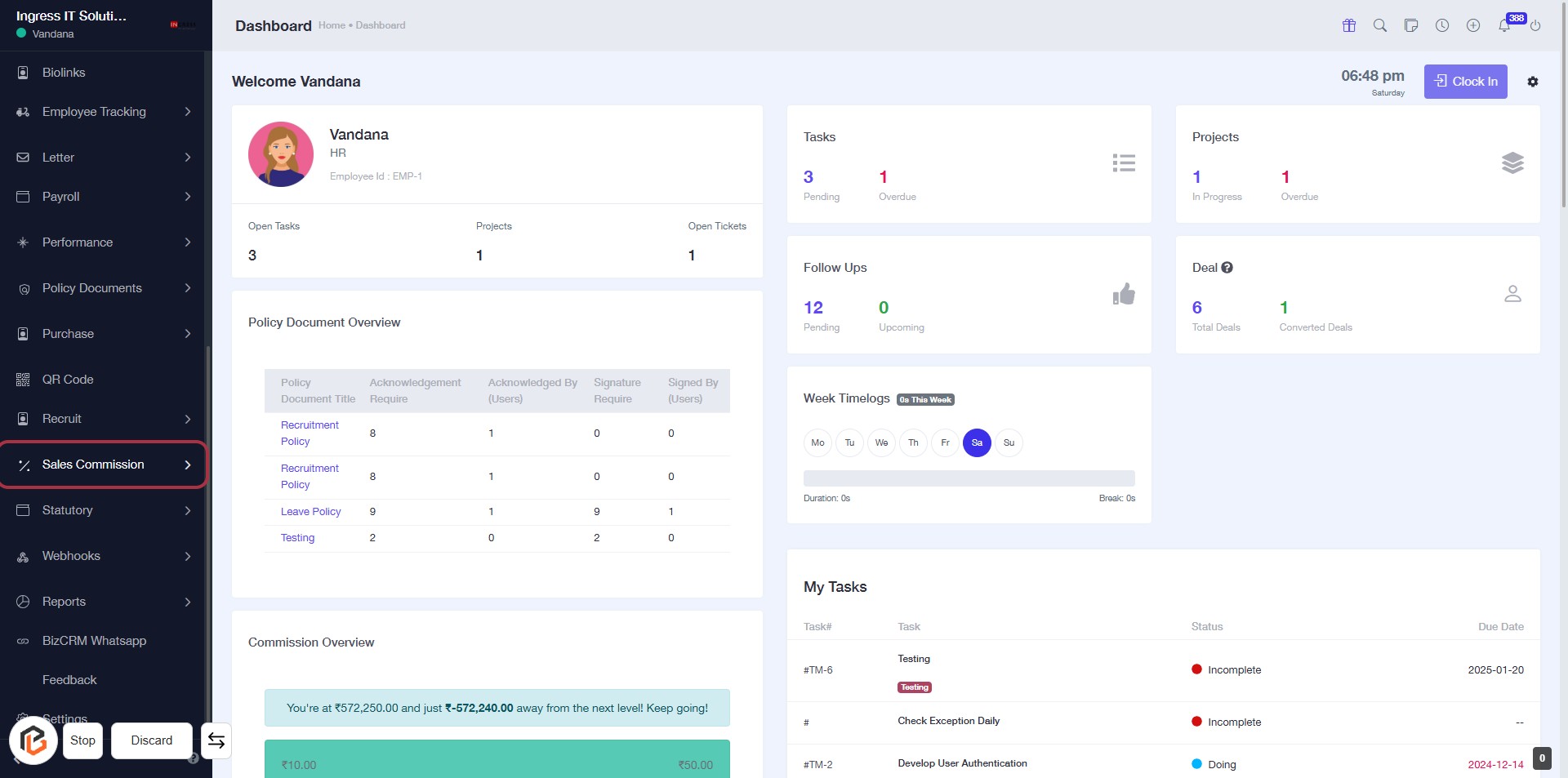
STEP 1: Click on "Sales Commission"
- Navigate to the left sidebar of the dashboard.
- Locate the "Sales Commission" link.
- Click on the "Sales Commission" link to proceed.
- Ensure you are on the correct page to view commission details.
- Next, you will go to the "Commission" section for further actions.
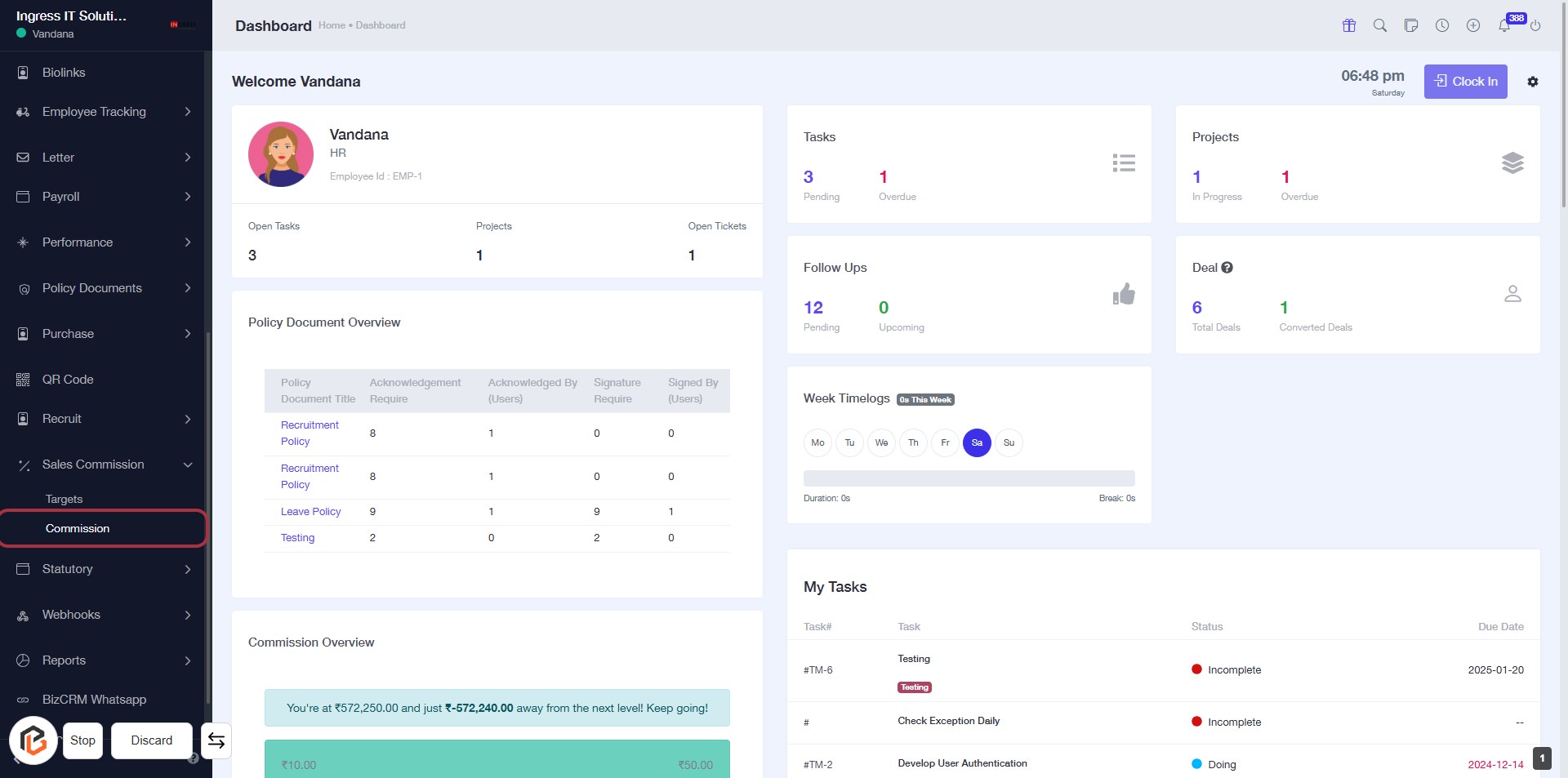
STEP 2: Click on "Commission"
- Navigate to the left sidebar menu.
- Locate and click on the "Commission" link highlighted in red.
- This action will take you to the Commission Overview section.
- Ensure you have the necessary permissions to access this feature.
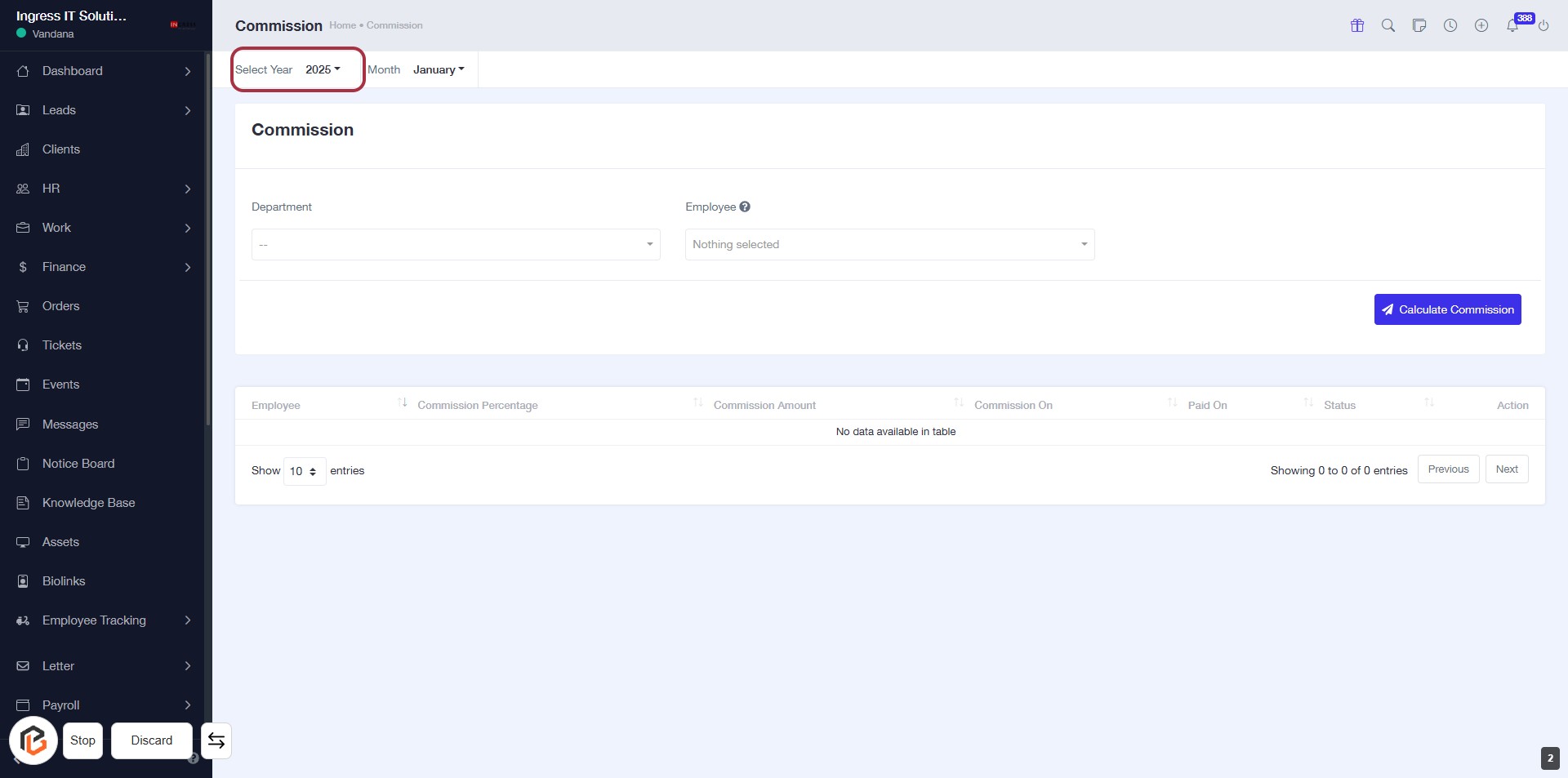
STEP 3: Click on "Select Year"
- Click on the "Select Year" dropdown to choose the desired year for commission calculations.
- Ensure the year is selected correctly to reflect accurate data.
- After selection, proceed to the next step to select the "Month."
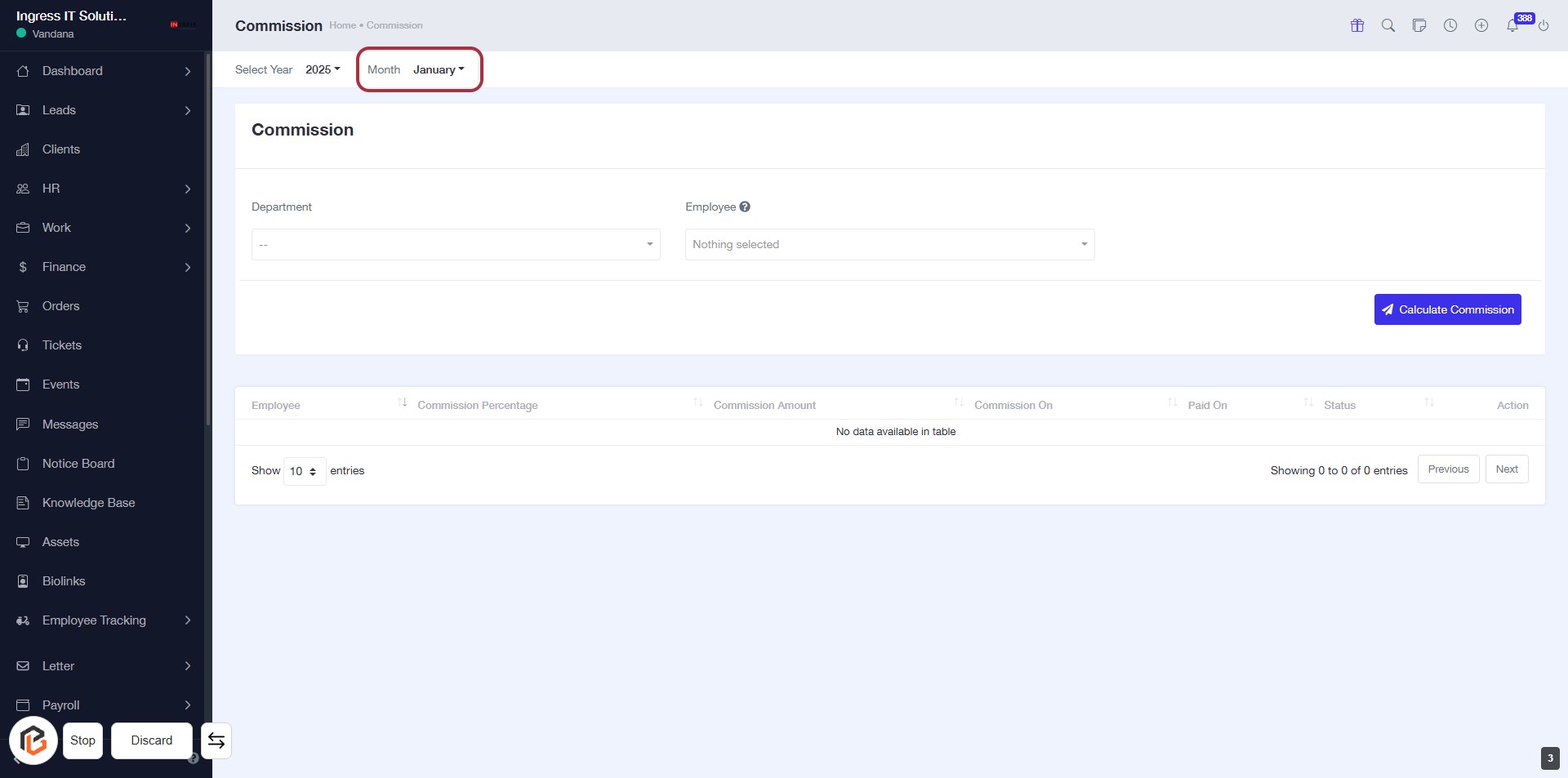
STEP 4: Select "Month"
- Click on the highlighted area labeled "Month" to choose the desired month for the commission report.
- Ensure the year is already selected as it is a prerequisite.
- After selecting the month, proceed to the next step to select the "Department."
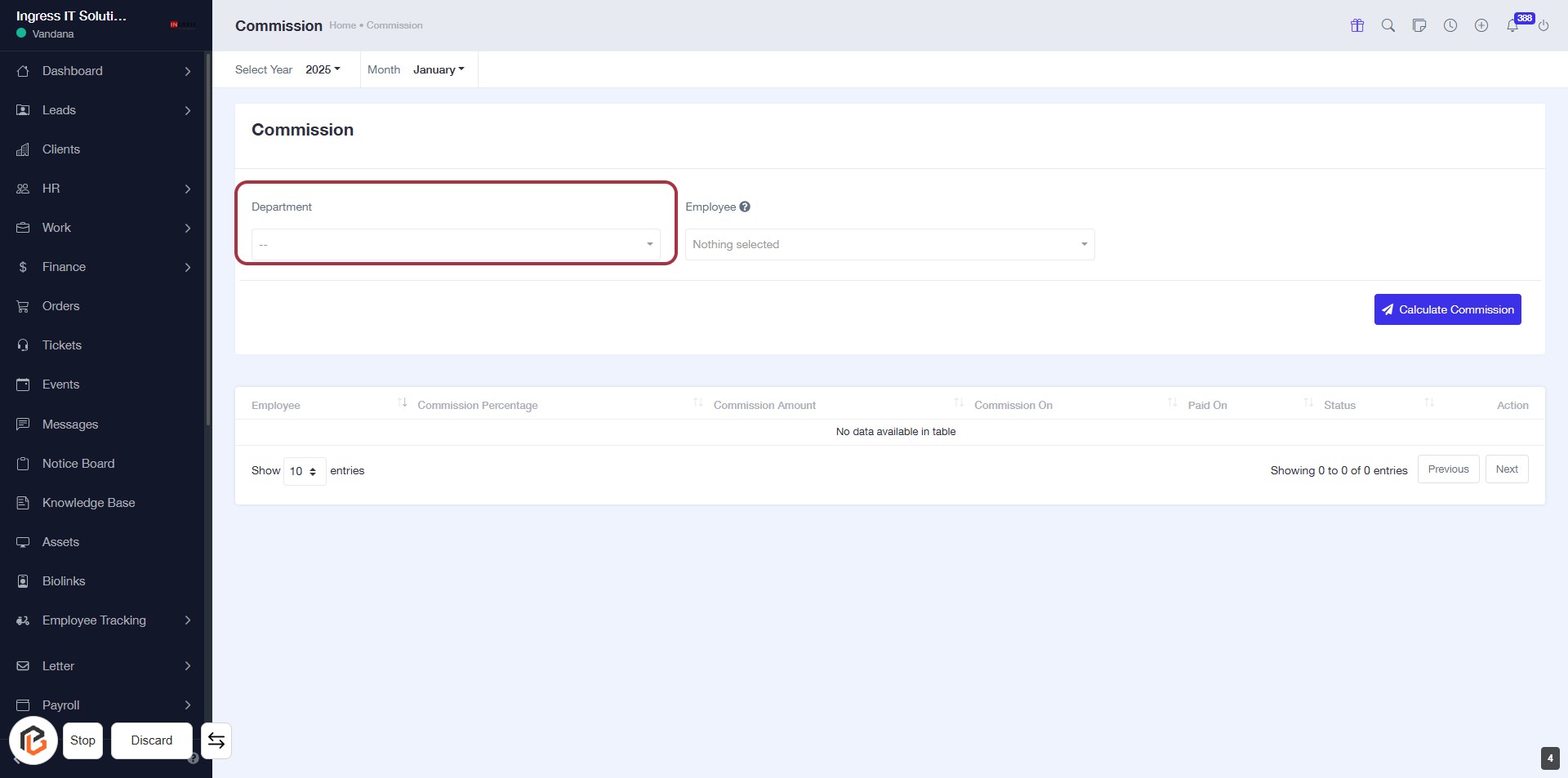
STEP 5: Select "Department"
- Click on the "Department" field highlighted in red.
- A dropdown menu will appear for you to choose the appropriate department.
- Ensure to select a department before proceeding to the next step.
- Look for any required fields marked with an asterisk (*) to complete your entry.
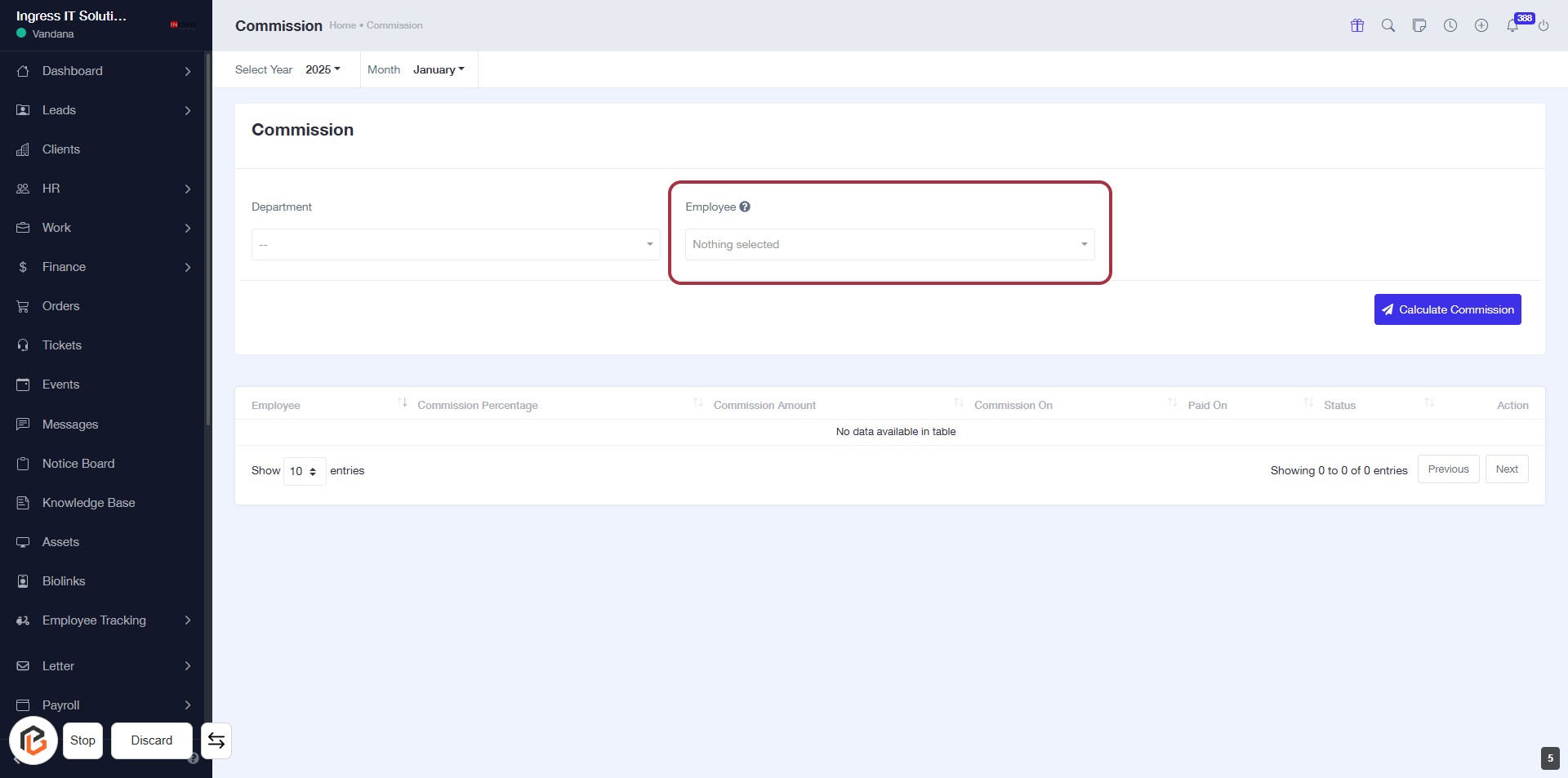
STEP 6: Select "Employee" from the Dropdown
- Click on the "Employee" dropdown to view available options.
- Ensure that the "Department" field is filled out before selecting an employee.
- Look for the asterisk (*) next to the "Employee" label to confirm it's a required field.
- After selection, proceed to the next step by clicking on "Calculate Commission."
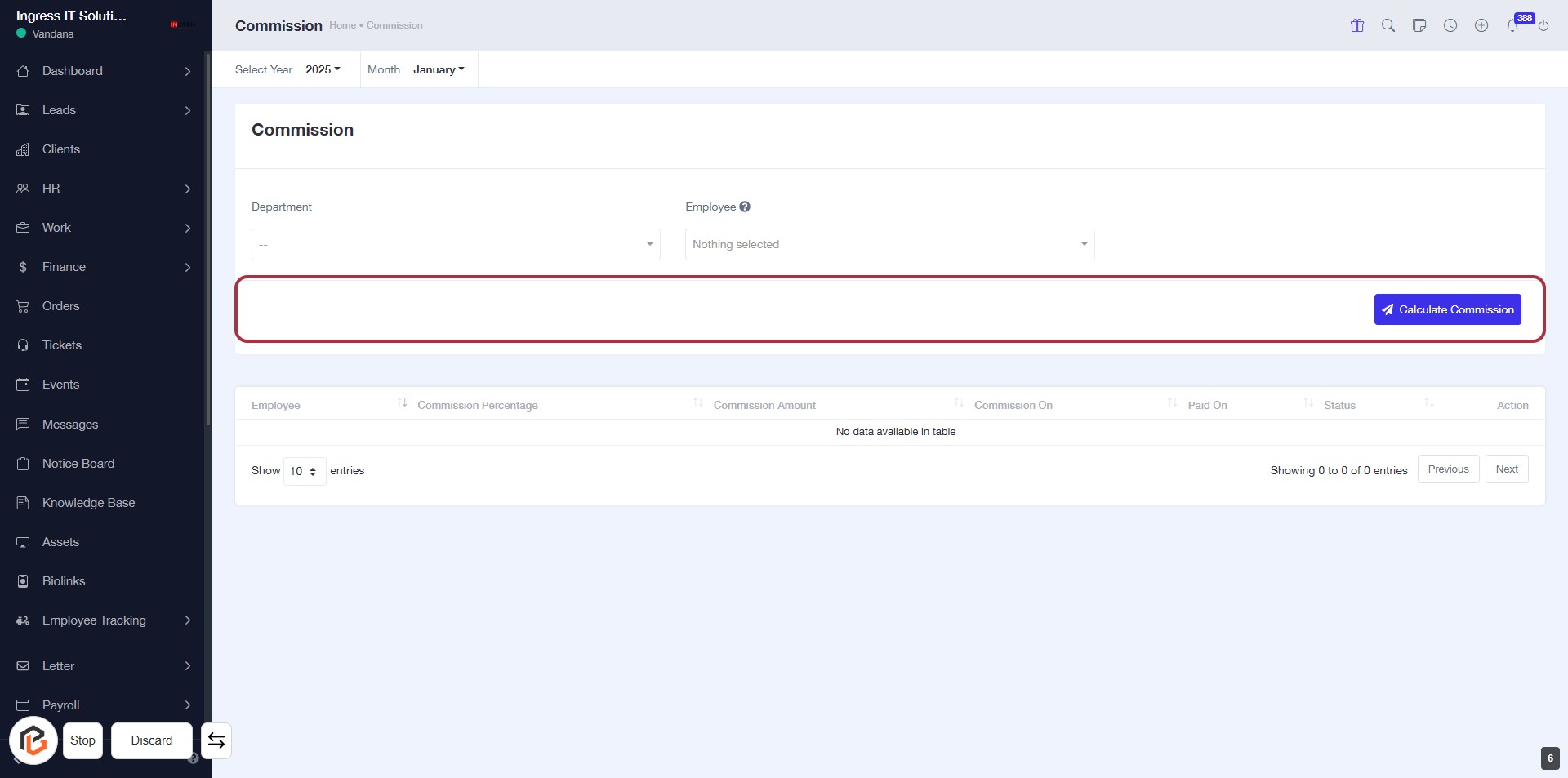
STEP 7: Click on "Calculate Commission"
- Ensure the "Employee" dropdown is selected.
- Locate the "Calculate Commission" button highlighted in red.
- Click on the "Calculate Commission" button to proceed with the commission calculation.
- Review any displayed results or confirmations following the click.